Maze Master
A downloadable game for Windows
Maze Master is a strategic maze and puzzle game built around pressure, uncertainty, and decision-making.
The game offers two ways to play.
Practice Mode introduces the mechanics gradually, allowing players to learn the systems and understand how difficulty evolves over time.
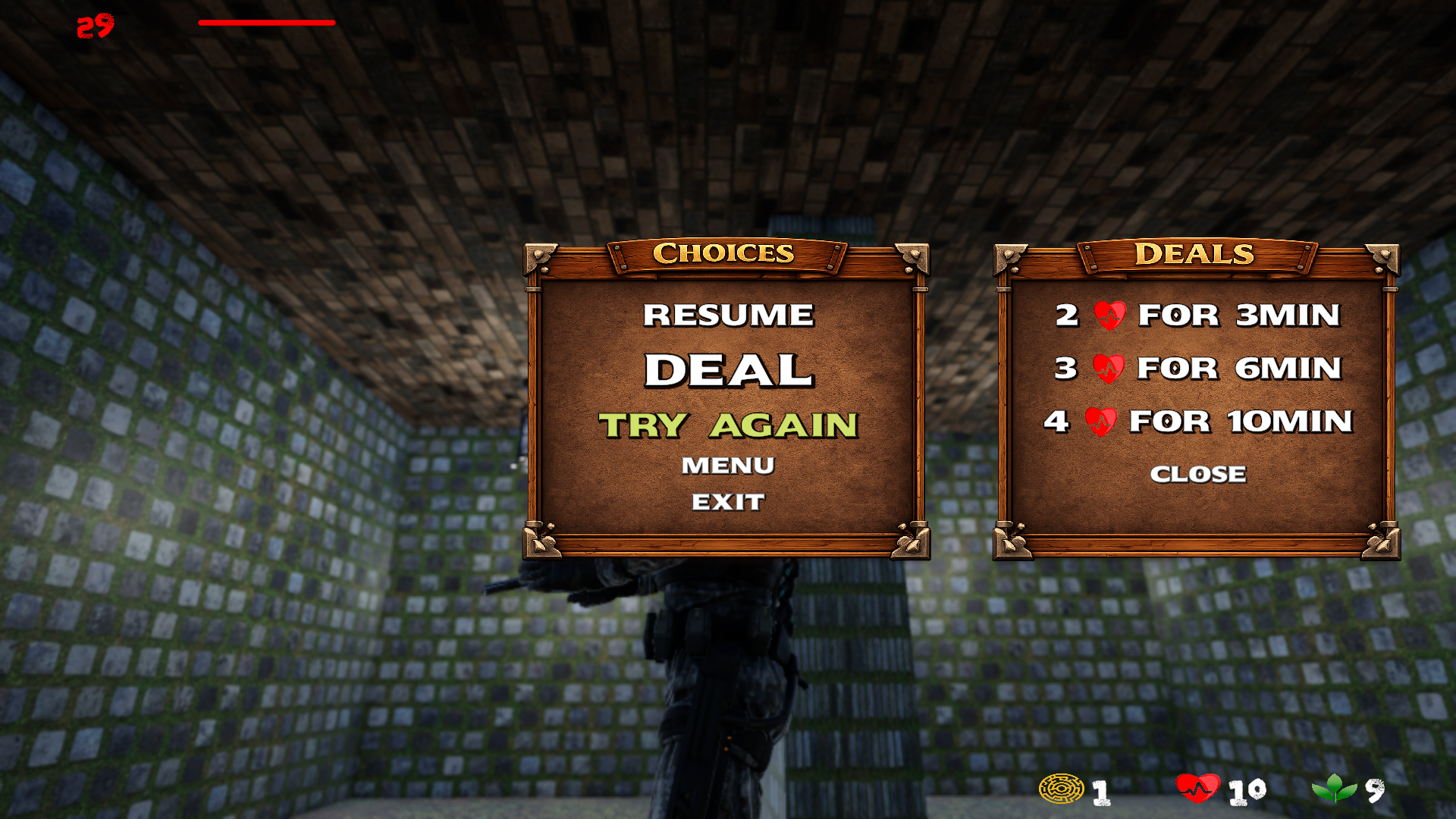
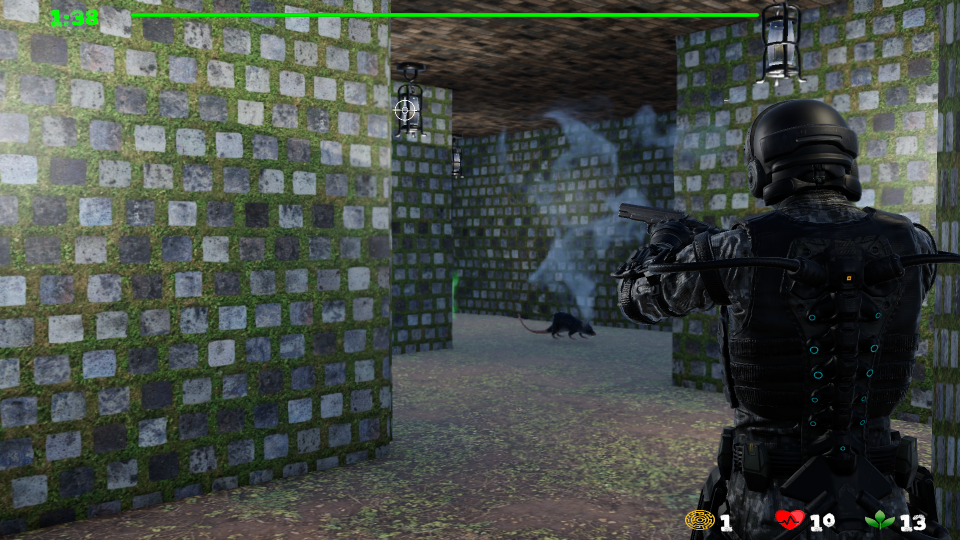
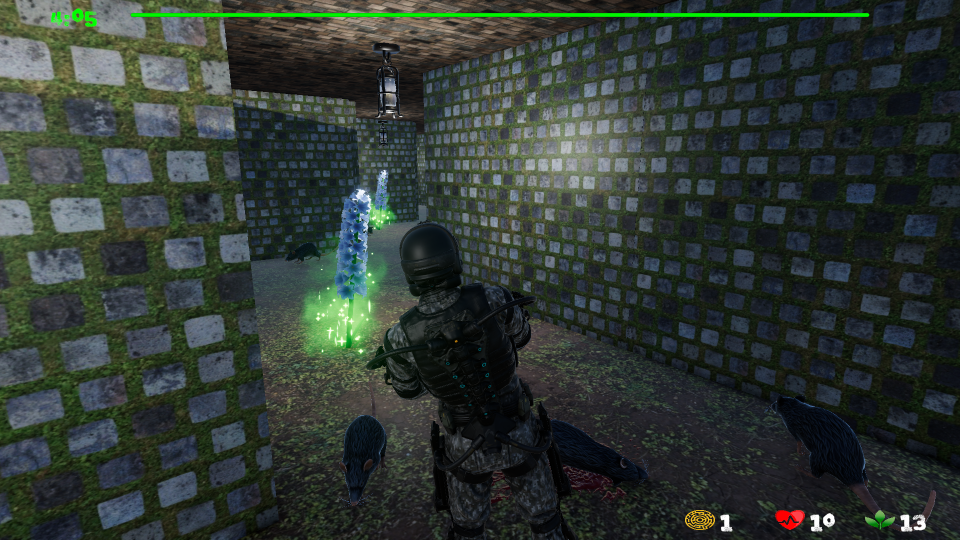
In the Main Game, each run is unpredictable. Levels are generated randomly across three difficulty tiers, Easy, Medium, and Hard, and you never know what kind of maze, objectives, enemies, or puzzle complexity awaits you next.
Every level places the player under time pressure. Exploration, risk management, and fast thinking are essential. Success comes from understanding the systems and adapting to each situation rather than memorizing patterns.
Maze Master is published early and intentionally. This project is not only meant to be played, but also examined.
Feedback from players, game developers, and system-minded thinkers is highly encouraged. If you have ideas, balance suggestions, bug reports, or design insights, please share them by leaving a review in the section below this page. Thoughtful reviews help shape the direction of the game and directly influence future updates.
If you enjoy analyzing mechanics and helping games grow through meaningful feedback, your voice matters here.
Download
Install instructions
Download & Install Instructions
-
Download the file MazeMasterInstaller.zip to your computer.
-
Once the download is complete, right-click the file and choose Extract All.
-
Open the extracted folder.
-
Run MazeMaster.exe to start the game.
Requirements
-
Operating System: Windows 10 or newer
-
No additional libraries or external programs are required.
-
If Windows SmartScreen appears, choose More info → Run anyway.
Notes
-
The game does not require installation and does not modify system files.
-
To uninstall, simply delete the extracted folder.